
PC requirements
PC system requirements
Match a PC to an official Remastered profile.
CD PROJEKT RED published six Remastered PC profiles: Minimum, Recommended, Ultra, RT Minimum, RT Recommended and Path Tracing. The table below is that official set — target preset, resolution, expected FPS, Intel CPU, AMD CPU, NVIDIA / AMD / Intel GPU, VRAM, RAM, storage, OS and upscaling. Windows 11 is the minimum operating system CDPR will test. An SSD is required. Steam's older GTX 660 box is not this table.
| Field | Minimum | Recommended | Ultra | RT Minimum | RT Recommended | Path Tracing |
|---|---|---|---|---|---|---|
| Preset | Low | High | Ultra | RT | RT: Ultra | RT: Ultra |
| Resolution | 1080p | 1080p | 1440p | 1080p (DLSS/FSR/XeSS) | 1440p (DLSS/FSR) | 2160p (DLSS) |
| Expected FPS | 30 | 60 | 60 | 30 | 60 | 60 with Frame Generation |
| Intel CPU | Core i5-8400 | Core i7-8700K | Core i7-13700K | Core i7-11700K | Core i7-13700K | Core i9-13900K |
| AMD CPU | Ryzen 5 2600 | Ryzen 5 3600X | Ryzen 7 7700X | Ryzen 7 5800X | Ryzen 7 7700X | Ryzen 7 9800X3D |
| NVIDIA GPU | GeForce GTX 1660 | GeForce RTX 2060 Super | GeForce RTX 3070 Ti | GeForce RTX 2060 Super | GeForce RTX 4080 | GeForce RTX 5080 |
| AMD GPU | Radeon RX 5500 XT 8GB | Radeon RX 6600 XT | Radeon RX 6800 XT | Radeon RX 6600 XT | Radeon RX 9070 XT | Not Applicable |
| Intel GPU | Arc A580 | Arc B580 | Arc B580 (XeSS) | Arc B580 | Not Applicable | Not Applicable |
| VRAM (GB) | 6 | 8 | 12 | 8 | 12 | 16 |
| RAM (GB) | 12 | 16 | 24 | 16 | 24 | 24 |
| Storage | 60 GB SSD | 60 GB SSD | 60 GB SSD | 60 GB SSD | 60 GB SSD | 60 GB SSD |
| OS | 64-bit Windows 11 | 64-bit Windows 11 | 64-bit Windows 11 | 64-bit Windows 11 | 64-bit Windows 11 | 64-bit Windows 11 |
| Upscaling | off | off | XeSS on the Intel GPU row only | DLSS/FSR/XeSS Auto | DLSS/FSR Auto | DLSS plus Frame Generation |
| Notes | GTX 1660 can achieve 60 FPS or higher at Minimum. | Native resolution; upscaling off. | Native 1440p except Intel XeSS note. | Measured with upscalers set to Auto. | Intel GPU not listed for this profile. | Measured with upscaling and Frame Generation on. Epic Games Store needs 95 GB. |
An SSD is required. The official table lists 60 GB SSD; Epic Games Store lists 95 GB. Windows 11 is the minimum OS CDPR will test. Windows 10 is no longer developed or tested.
Six official Remastered profiles
Read the table left to right as a hardware ladder, not as six marketing cards. Minimum is 1080p at 30 FPS on Low with a GeForce GTX 1660 class GPU. Recommended is 1080p at 60 FPS on High. Ultra is 1440p at 60 FPS. RT Minimum turns the RT preset on at 1080p with upscalers set to Auto and a 30 FPS target. RT Recommended is 1440p RT Ultra at 60 FPS. Path Tracing is 2160p RT Ultra at 60 FPS with Frame Generation.
CDPR measured Path Tracing with upscaling and Frame Generation on. Other non-RT configurations used native resolution. The GTX 1660 row can reach 60 FPS or higher at Minimum. Intel GPUs are listed through RT Minimum and Ultra (XeSS on the Ultra Intel row); they are not listed for RT Recommended or Path Tracing. AMD is not listed for Path Tracing. Epic Games Store needs 95 GB; the shared official figure is 60 GB SSD.
How to match a PC to a column
Match CPU and GPU to the closest official profile rather than mixing a Minimum GPU with a Path Tracing resolution target. If your NVIDIA card is a GTX 1660, you are on the Minimum column even if the CPU is newer. If you have an RTX 4080, RT Recommended is the named fit; Path Tracing still wants an RTX 5080 in the NVIDIA row. AMD cards stop at RT Recommended with the RX 9070 XT. Intel cards stop at Ultra / RT Minimum in the published rows.
VRAM and RAM in the table are part of the same profile. Minimum lists 6 GB VRAM and 12 GB RAM. Recommended lists 8 GB and 16 GB. Ultra and RT Recommended list 12 GB VRAM and 24 GB RAM. Path Tracing lists 16 GB VRAM and 24 GB RAM. Storage is an SSD in every column. Install the latest NVIDIA, AMD or Intel graphics drivers before you judge a frame rate; that driver note is in CDPR's Remastered what's-new article.
Advice, not a CDPR guarantee: if you sit between two columns, use the lower profile first, then raise preset or resolution after you have a stable frame time. Do not skip from Minimum raster to Path Tracing because a benchmark site used Frame Generation. Path Tracing in this table is a 4K, DLSS, Frame Generation measurement. Open the graphics guide next if the column you matched includes RT or Path Tracing.
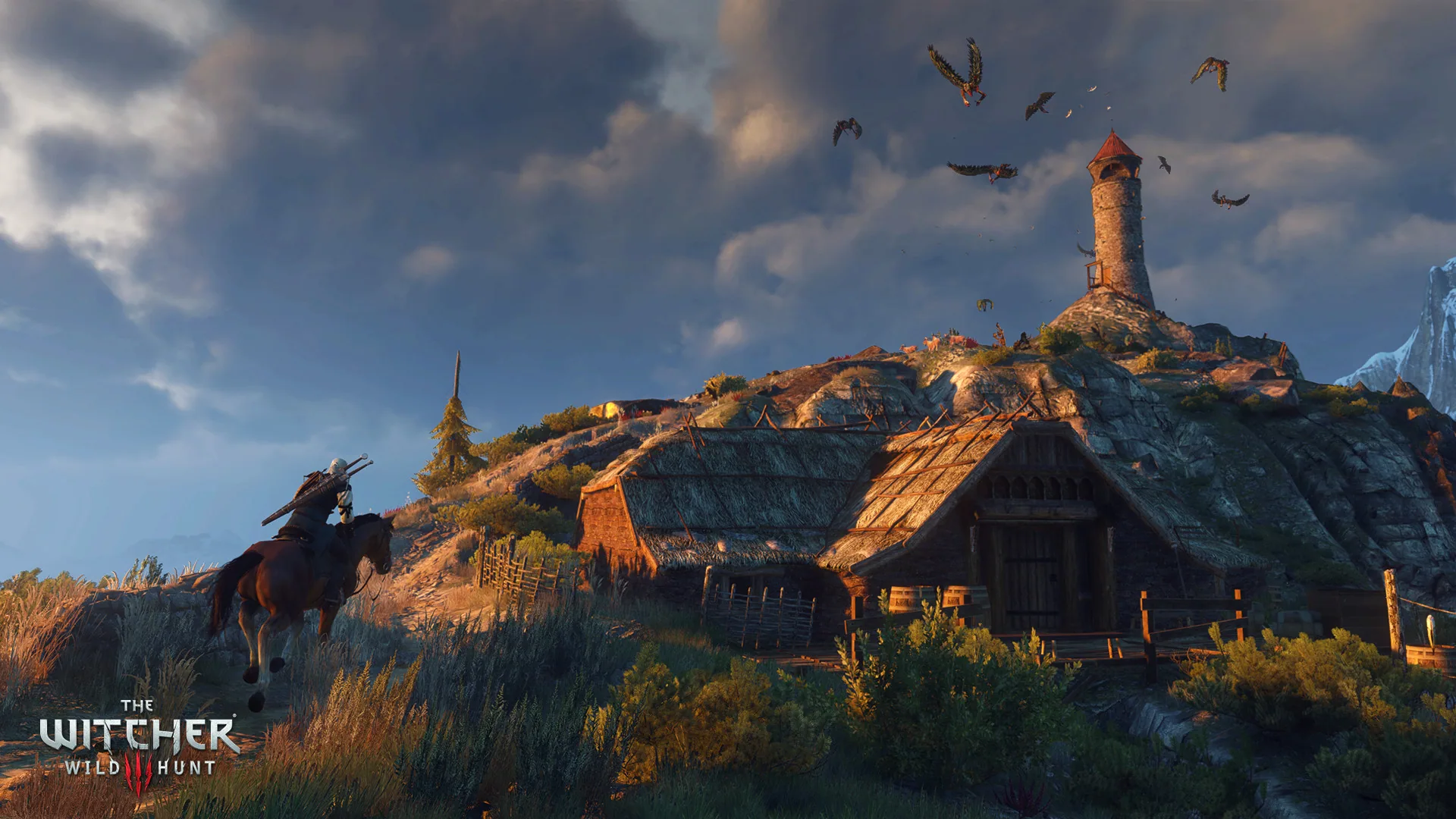
Match the closest official column first. Raise Path Tracing only after the raster or RT profile that fits the GPU is stable.
Windows 11, SSD and the stale Steam box
CDPR's Windows 10 end-of-support article and the Remastered requirements page agree: Windows 11 is the minimum OS they will test, and Windows 10 is no longer developed or tested for this build. That is a testing floor, not a crackdown you can negotiate in a forum thread. If you are still on Windows 10, the publisher is not validating this executable there.
Every profile requires an SSD. The shared size in the official table is 60 GB SSD. Epic Games Store is called out at 95 GB. Install on a spinning HDD and you are already off the published configuration, even if the GPU matches Recommended.
Steam appdetails for 292030 can still present the 2015-era requirements with a GTX 660 and Windows 7, plus a change note for 29 September 2026. Use the table above and the CDPR support article, not that HTML box, when you are buying or upgrading a PC for Remastered. After you pick a column, go to Graphics to turn the matching preset on in order.
Sources