
Graphics
Path Tracing and upscalers
Path Tracing
Turn on presets, upscalers and Path Tracing in a safe order.
Remastered on PC is native DirectX 12 with multithreading. CDPR added GTAO, Ray-Traced Local Shadows, Path Tracing, NVIDIA DLSS 4.5 with Ray Reconstruction, AMD FSR 4, Intel XeSS 2.0, Ray-Traced HairWorks, Image-Based Lighting, and textures drawn from The Witcher 3 HD Reworked Project. PlayStation 5 has separate Ray Tracing and Performance modes. Turn the stack on in order: latest drivers, a raster preset from the official table, then the upscaler that matches the GPU, and only then Path Tracing with Frame Generation.
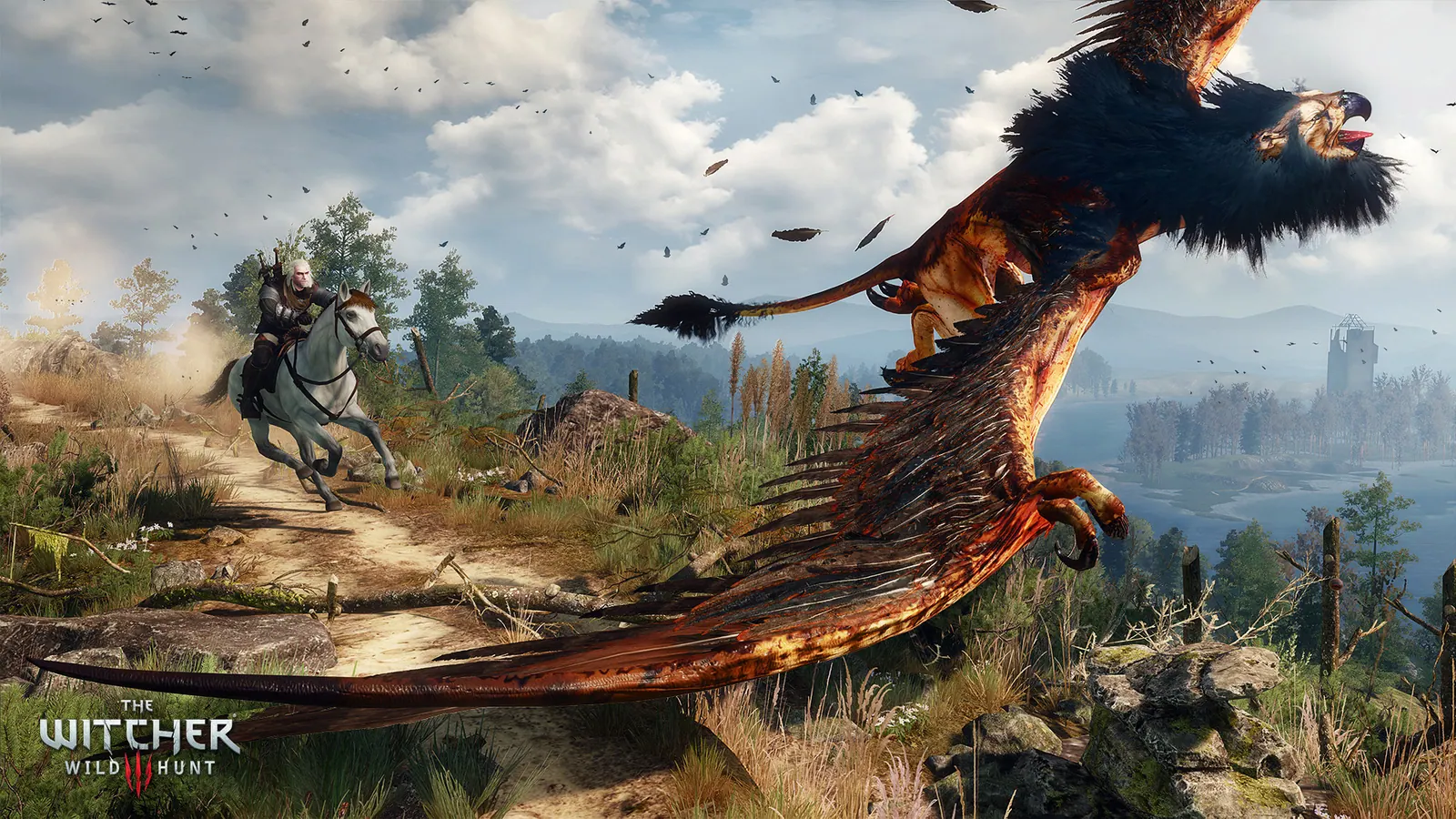
Official stack, in order
Install the latest NVIDIA, AMD or Intel graphics drivers before you judge the picture. That instruction is in the Remastered what's-new article, not a forum guess. Then pick a raster preset that matches a column on PC requirements: Low for Minimum, High for Recommended, Ultra for Ultra. Non-RT profiles were measured at native resolution. Do not enable Path Tracing to 'see if it works' on a GTX 1660; that card is the Minimum raster GPU.
Next, turn on the upscaler that belongs to the GPU. NVIDIA gets DLSS 4.5 with Ray Reconstruction. AMD FSR 4, including Frame Generation and Anti-Lag 2, is for RX 7000 Series and newer; other GPUs use FSR 2. Intel gets XeSS 2.0 with Frame Generation and Low Latency. RT Minimum and RT Recommended were measured with those upscalers set to Auto. Path Tracing was measured with upscaling and Frame Generation on at 2160p.
Advice, not a CDPR quote: leave HairWorks, extra RT shadows and Path Tracing off until the raster preset holds the FPS target in the region you actually ride through, not in the main menu. If the official column for your GPU is raster-only, stop there. If the column is RT Recommended or Path Tracing, add those features after the upscaler is on. Console players skip this PC ladder and use the named PS5 modes instead.
The twelve Remastered graphics records
Filter the list by family. Rendering is native DirectX 12. Ambient occlusion is GTAO. Ray tracing holds Ray-Traced Local Shadows, Path Tracing and Ray-Traced HairWorks. Other families in the same notes are upscalers, HD Reworked Project assets, Image-Based Lighting, the driver reminder, and the PlayStation 5 modes. Names below are CDPR's.
Native DirectX 12
The game now features native DirectX 12 rendering with multithreading.
GTAO
Added GTAO as a new Screen Space Ambient Occlusion option.
Ray-Traced Local Shadows
Added Ray-Traced Local Shadows.
Path Tracing
Added support for Path Tracing on PC.
NVIDIA DLSS 4.5
Added support for NVIDIA DLSS 4.5, together with Ray Reconstruction.
AMD FSR 4
Added support for AMD FSR 4, including Frame Generation and Anti-Lag 2, on RX 7000 Series and newer; other GPUs use FSR 2.
Intel XeSS 2.0
Added support for Intel XeSS 2.0, together with Frame Generation and Low Latency.
Ray-Traced HairWorks
Added Ray-Traced HairWorks for hair lighting and shading.
HD Reworked Project assets
Updated multiple textures and models based on assets from The Witcher 3 HD Reworked Project.
Image-Based Lighting
Implemented new Image-Based Lighting for ambient lighting and reflections.
Latest GPU drivers
CDPR tells PC players to install the latest NVIDIA, AMD or Intel graphics drivers before playing.
PS5 Ray Tracing and Performance modes
Ray Tracing Mode targets 60 FPS with enhanced lighting; Performance Mode targets 60 FPS and up to 90 FPS on VRR displays.
Path Tracing without guessing
Path Tracing is a PC feature in Remastered. The official Path Tracing profile is 2160p, RT Ultra, 60 FPS with Frame Generation, Core i9-13900K or Ryzen 7 9800X3D, and GeForce RTX 5080. AMD and Intel GPUs are Not Applicable on that row. If your card is not that NVIDIA part, you are off the published Path Tracing column even if the game menu still shows the toggle.
DLSS is part of that measurement. Turning Path Tracing on at native 4K with Frame Generation off is not the configuration CDPR timed. RT Minimum and RT Recommended exist for cards that can do ray-traced lighting without that 4K path-traced target. RTX 2060 Super sits on both Recommended raster and RT Minimum. RTX 4080 sits on RT Recommended. Use those columns when they match.
PlayStation 5 does not get the PC Path Tracing profile. It gets Ray Tracing Mode targeting 60 FPS with enhanced lighting, Performance Mode targeting 60 FPS and up to 90 FPS on VRR, and on PS5 Pro, PSSR, VRR and uncapped frame rates. Switch 2 and Xbox have their own extras listed on the hub. After the picture is stable, go back to First hours and tick the graphics row on the checklist.
Frequently asked questions
Can a GTX 1660 turn on Path Tracing?
The official Path Tracing column is an RTX 5080 at 2160p with DLSS and Frame Generation. The GTX 1660 is the Minimum raster GPU at 1080p Low. The menu may still show a toggle; the published profile does not include that card. Use the Minimum column, then the graphics order on this page: drivers, raster, upscaler, and stop.
Is DLSS 4.5 required for Remastered?
No. Raster profiles were measured at native resolution with upscaling off, except the Ultra Intel row that notes XeSS. DLSS 4.5 with Ray Reconstruction is the NVIDIA upscaler for RT and Path Tracing measurements. AMD uses FSR 4 on RX 7000 Series and newer, otherwise FSR 2. Intel uses XeSS 2.0.
What should PS5 players pick instead of the PC table?
PlayStation 5 has Ray Tracing Mode targeting 60 FPS with enhanced lighting, and Performance Mode targeting 60 FPS and up to 90 FPS on VRR displays. PS5 Pro adds PSSR, VRR and uncapped frame rates. Those modes replace the six PC columns. Switch 2 and Xbox extras are listed on the start-playing hub.
Sources